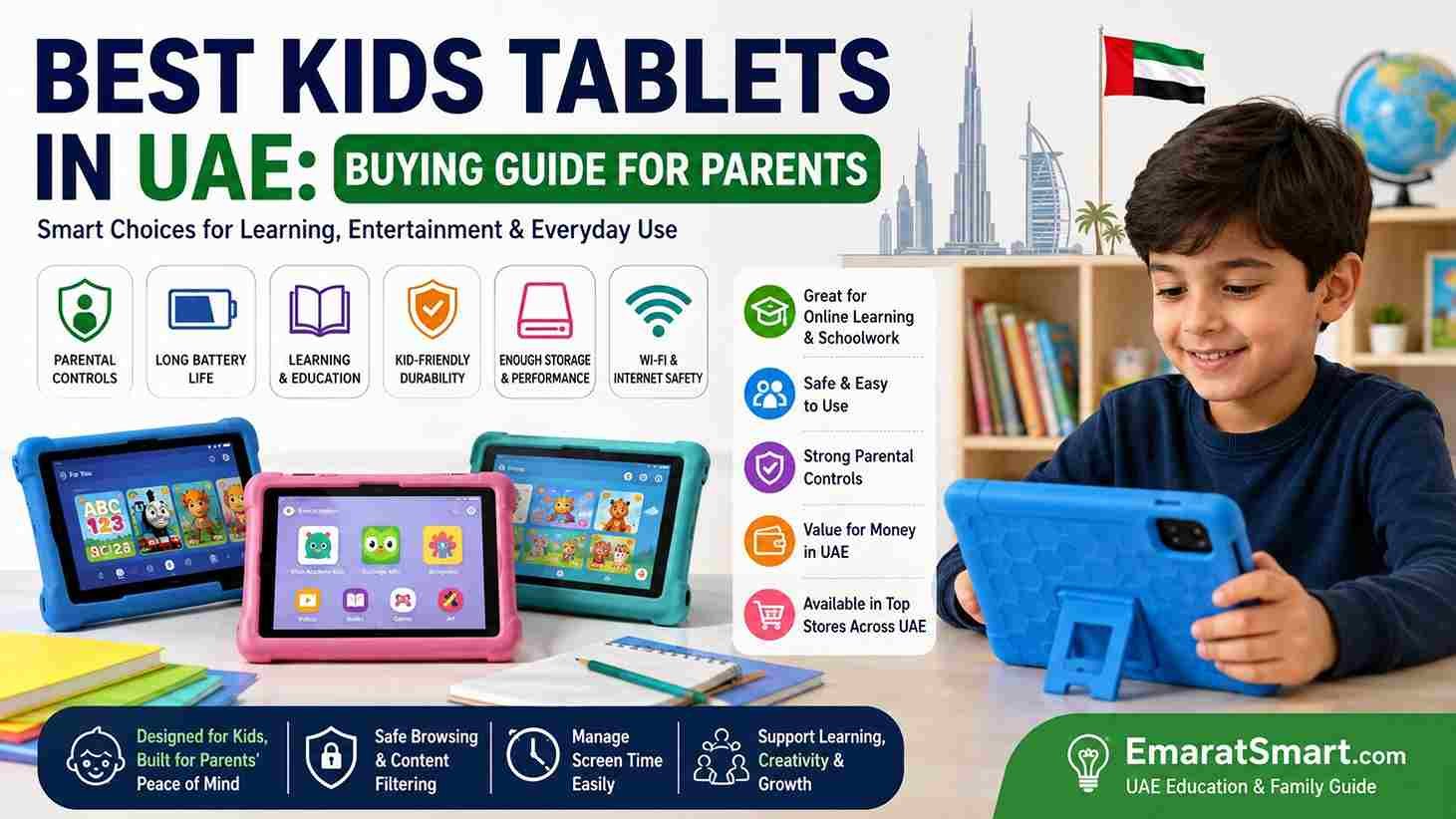
Best Kids Tablets in UAE: Buying Guide for Parents
Looking for the best kids tablets in the UAE? A tablet can be useful for online learning, reading, educational apps, homework, videos, and other activities.
But choosing the right tablet can be difficult. There are many models, different prices, screen sizes, storage options, and parental-control features.
Parents should not choose a tablet based only on price or brand. The right choice depends on the child’s age, how the tablet will be used, and the level of parental control needed.
This guide explains what to look for when choosing a kids tablet UAE families can use for learning and entertainment.
What Makes a Good Kids Tablet?
A good tablet for children should be easy to use and suitable for the child’s needs.
Important features include:
- Good battery life
- A suitable screen size
- Enough storage
- Reliable performance
- Parental controls
- Strong privacy settings
- A protective case
- Access to useful educational apps
- A reasonable price
You don’t necessarily need the most expensive tablet.
For a younger child who mainly watches educational videos and uses simple learning apps, a basic tablet may be enough.
An older student who uses the device for schoolwork may need more storage and better performance.
Best Kids Tablets in UAE: Options and Prices
If you are comparing the best kids tablets in the UAE, it helps to look at actual models and their approximate prices. The right choice depends on your child’s age, school requirements, storage needs, and how much you want to spend.
| Tablet | Approx. UAE Price | Best For | Main Advantage |
|---|---|---|---|
| Amazon Fire 7 Kids | Around AED 325 | Younger children | Kid-focused design |
| Samsung Galaxy Tab A9 | Around AED 319 | Basic learning & entertainment | Compact and affordable |
| Lenovo Tab M11 | Around AED 687 | Learning, reading & schoolwork | Larger 11-inch display |
| Samsung Galaxy Tab A9+ | Around AED 829–849 | Older children & schoolwork | Larger screen and stronger overall option |
| Apple iPad 11 | Around AED 2,099 | Long-term school & creative use | Strong performance and app ecosystem |
Price note: These are approximate UAE prices found during the research for this article and can change depending on the seller, storage, connectivity, promotions, and availability. Always check the current price before purchasing.
Which Kids Tablet Should You Choose?
Best for a Younger Child: Amazon Fire 7 Kids
A child-focused tablet can make sense if your priority is a simpler experience and a protective design.
Before purchasing, however, parents in the UAE should check whether the apps and services their child needs are available and supported on the specific device.
Best Budget Choice: Samsung Galaxy Tab A9
The Samsung Galaxy Tab A9 is worth considering when you want a relatively affordable general-purpose tablet for reading, educational apps, videos, and basic school tasks.
The UAE Samsung listing includes Wi-Fi and LTE versions, with different storage configurations available.
Its smaller screen can also make it easier for a child to carry around.
Good choice for: basic learning, reading, entertainment, and everyday use.
Best for a Larger Screen: Lenovo Tab M11
The Lenovo Tab M11 is a better option if your child will spend more time reading, watching lessons, doing homework, or using the tablet at a desk.
Its 11-inch display provides more room than smaller children’s tablets.
Good choice for: schoolwork, reading, online lessons, and general family use.
Best for Older Children: Samsung Galaxy Tab A9+
The Samsung Galaxy Tab A9+ is worth considering when a child needs a larger display and a tablet that can handle more demanding everyday tasks.
It can be a practical middle-ground option for families who don’t want to spend iPad-level prices.
Good choice for: older children, schoolwork, online learning, videos, and multitasking.
Best Premium Option: Apple iPad 11
If your budget is higher and the tablet will be used for school, creative work, reading, and longer-term use, the Apple iPad 11 is another option to consider.
It costs substantially more than the budget Android choices, so parents should first make sure the extra cost is justified by the child’s actual needs.
Good choice for: older students, creative projects, schoolwork, and families already using Apple devices.
Don’t Choose a Tablet Based Only on Price
The cheapest tablet isn’t automatically the best kids tablet.
For example, spending AED 300–400 may be sensible for basic learning and entertainment. But if your child needs an 11-inch screen for schoolwork, more storage, better performance, or a specific school application, paying more may provide better value.
Before buying, ask:
- What will my child use it for?
- Does the school require specific apps?
- Is the storage enough?
- Does it have suitable parental controls?
- Is the screen comfortable for reading?
- Does it have a UAE warranty?
- Do I need Wi-Fi or LTE?
- Will I need to buy a case or stylus separately?
What Should You Buy With the Tablet?
The tablet itself isn’t always the complete cost.
Parents may also need to budget for:
- Protective case
- Screen protector
- Stylus
- Keyboard
- Charger
- Extended warranty, where appropriate
A protective case is particularly useful for younger children.
Don’t buy accessories simply because they are advertised as a package. Check whether your child will actually use them.
A Simple Budget Guide
If your budget is limited, start by deciding which features are essential.
Around AED 300–400: Look for a basic tablet for reading, educational apps, videos, and simple activities.
Around AED 500–900: You can consider larger Android tablets with more comfortable screens and additional capabilities.
AED 2,000 or more: Premium tablets become an option, but they make more sense when the child genuinely needs stronger performance, creative applications, or a longer-term school device.
These are broad planning ranges rather than fixed market prices. Tablet promotions in the UAE can change frequently.
A Better Way to Choose
Instead of asking only “What is the best kids tablet?”, ask:
“What is the best tablet for my child’s actual needs and my budget?”
For a young child who mainly uses educational apps, a basic tablet may be enough.
For an older student who attends online classes and completes schoolwork, a larger and more capable tablet may be more useful.
For drawing and creative projects, check stylus compatibility before buying.
For school use, always check the school’s technology requirements first.
This approach can help you avoid paying for features your child doesn’t need while also preventing you from buying a tablet that is too limited for their schoolwork.apps required by the child’s school are compatible with the tablet before buying it.
This is particularly important if the tablet will be used for regular schoolwork.
Choose the Right Screen Size
Screen size matters because children may use the tablet for reading, videos, drawing, and schoolwork.
A smaller tablet can be easier for younger children to hold.
A larger screen can be more comfortable for:
- Reading
- Online classes
- Homework
- Documents
- Drawing
- Watching educational videos
Don’t choose a large screen simply because it looks better. Consider how your child will actually use the device.
Battery Life Matters
Children may use tablets for schoolwork, travel, reading, or entertainment.
Good battery life means you don’t have to charge the device constantly.
Before buying, check the manufacturer’s battery-life information and remember that actual battery life can vary depending on screen brightness, apps, video playback, Wi-Fi use, and other factors.
For families in the UAE, a good battery can also be useful during long journeys or while waiting at appointments.
Storage: How Much Do Kids Need?
Storage determines how many apps, books, videos, photos, and documents can be stored on the tablet.
A child who mainly uses online apps may not need as much storage as a child who downloads many videos and games.
Before buying, think about:
- Educational apps
- School documents
- Digital books
- Photos
- Videos
- Games
- Offline content
Also check whether the tablet supports expandable storage.
Parental Controls Are Important
Parental controls are one of the most important features to check when buying a tablet for a child.
Depending on the device and operating system, parental controls may allow parents to manage things such as:
- Screen time
- App downloads
- Purchases
- Website access
- Content restrictions
- Device usage
Parents should set up these controls before giving the tablet to a child.
It is also useful to explain why the controls are being used rather than treating them as a secret restriction.
Kids Tablets and Internet Safety
A tablet connected to the internet can provide access to useful educational resources, but children can also encounter inappropriate content, unwanted communication, advertisements, or unsafe websites.
Parents can reduce these risks by:
- Using parental controls
- Keeping the operating system updated
- Checking installed apps
- Reviewing privacy settings
- Using age-appropriate content settings
- Teaching children not to share personal information
- Explaining what to do if they see something uncomfortable online
Children should know that they can talk to a trusted adult if something online makes them uncomfortable or confused.
Durability and Protective Cases
Children can accidentally drop a tablet.
A protective case can help reduce the chance of damage from everyday accidents.
When choosing a case, look for one that:
- Fits the exact tablet model
- Protects the corners
- Provides a good grip
- Allows access to buttons and ports
- Does not block the camera or speakers
A screen protector may also be useful.
The case does not need to be expensive, but it should be suitable for the device.
Best Tablets for Kids’ Schoolwork
If the tablet will be used for school, check the school’s technical requirements before buying.
Some schools may require specific:
- Apps
- Browsers
- Learning platforms
- Video-conferencing tools
- Document formats
A tablet that is excellent for entertainment may not be the best choice for schoolwork.
Ask the school or check its technology requirements if you are unsure.
Android, iPad, or Other Tablet?
Parents often wonder which operating system is best.
There is no single answer for every family.
Android Tablets
Android tablets are available at many different price points.
They can be a practical option for families looking for flexibility and a wide range of devices.
iPad
iPads are popular for education, reading, drawing, creative activities, and general use.
They can be a good choice for families already using Apple devices.
However, parents should consider the total cost, including accessories if required.
Other Tablet Options
Other manufacturers also offer tablets designed for children or general use.
When comparing them, focus on the features rather than choosing only because of the brand name.
The most important question is:
Will this tablet do what my child needs it to do?
Kids Tablets for Younger Children
Younger children may mainly use a tablet for:
- Educational games
- Reading
- Drawing
- Basic learning apps
- Educational videos
For this age group, ease of use and parental controls may be more important than advanced specifications.
A durable case is also a good idea.
Parents should choose apps and content that match the child’s age.
Tablets for Older Children
Older children may need a tablet for more demanding activities.
They may use it for:
- Homework
- Research
- Online lessons
- Documents
- Presentations
- Reading
- Creative projects
For these users, performance, storage, screen quality, and compatibility with school platforms become more important.
How Much Should You Spend on a Kids Tablet in UAE?
There is no single price that works for every family.
Instead of setting a budget based only on the tablet’s brand, first decide what your child needs.
For basic use, you may not need a premium device.
For schoolwork, creative applications, and longer-term use, spending more may make sense if the additional features are genuinely useful.
Before buying, compare:
- Tablet price
- Storage
- Battery life
- Warranty
- Protective case
- Accessories
- Replacement costs
The cheapest tablet isn’t always the best value if it becomes slow or unsuitable for your child’s needs quickly.
Where to Buy Kids Tablets in UAE
Parents in the UAE can compare tablets through major electronics retailers, official brand stores, and reputable online shopping platforms.
Before purchasing, check:
- UAE warranty
- Return policy
- Exact model number
- Storage capacity
- Included accessories
- Seller reputation
- Compatibility with required apps
Be careful when buying from unknown sellers simply because the price looks attractive.
For expensive electronics, buying from a reputable seller can provide more confidence about warranty and after-sales support.
Should You Buy a Tablet Made Specifically for Kids?
Some tablets are marketed specifically for children.
These devices may include features such as:
- Child-friendly cases
- Parental controls
- Age-appropriate interfaces
- Kid-focused content
However, a standard tablet with strong parental controls and a good protective case may also work well.
Compare both options before making a decision.
Do Kids Need a SIM Card Tablet?
Not necessarily.
If your child mainly uses the tablet at home, school, or other places with Wi-Fi, a Wi-Fi-only model may be enough.
A cellular tablet can be useful if mobile internet access is genuinely needed.
Before paying extra for cellular connectivity, consider how often your child will use the tablet away from Wi-Fi.
Should Kids Have Their Own Tablet?
It depends on the family.
Some parents prefer a shared family tablet.
Others give a child their own device for schoolwork and learning.
A shared tablet can be useful for younger children because parents can monitor usage more easily.
An individual tablet may be more convenient for older students who regularly need it for schoolwork.
There is no universal answer.
How to Set Up a Kids Tablet
Before giving the device to your child, take some time to set it up.
Step 1: Update the Tablet
Install available operating-system and security updates.
Step 2: Create the Appropriate Account
Use the appropriate child or family account options where available.
Step 3: Set Parental Controls
Configure age restrictions, app permissions, purchases, and screen-time settings.
Step 4: Install Useful Apps
Start with educational apps and other applications your child actually needs.
Step 5: Add a Protective Case
Protect the tablet before your child starts using it.
Step 6: Explain Online Safety
Teach children not to share passwords, personal information, photographs, or other private details without permission.
Screen Time and Kids Tablets
A tablet should not replace sleep, exercise, outdoor activities, family time, or other important parts of a child’s day.
Parents can create reasonable routines around tablet use.
For example, a family may decide that the tablet can be used after homework or during a specific period.
The exact routine should depend on the child’s age, school requirements, family schedule, and individual needs.
The goal is to make technology part of a balanced routine.
Common Mistakes When Buying a Kids Tablet
Buying Only Based on Price
A cheap tablet may look attractive, but check its performance, storage, software support, and warranty.
Ignoring School Requirements
Always check whether the tablet supports the apps and platforms your child needs.
Forgetting Parental Controls
Set up appropriate controls before handing the device to a child.
Buying Too Much Storage
If your child only needs basic apps and online learning, paying significantly more for storage may not be necessary.
Buying Too Little Storage
On the other hand, a student who downloads many files, books, and videos may quickly run out of space.
Forgetting the Case
A protective case can be a useful extra cost to consider when planning your budget.
How to Choose the Best Kids Tablet in UAE
Use this simple checklist before buying:
For basic learning:
Look for a reliable tablet with a suitable screen, good battery life, and parental controls.
For schoolwork:
Prioritize compatibility with school apps, sufficient storage, good performance, and comfortable reading.
For drawing:
Check screen quality, stylus compatibility, and the apps available for the device.
For travel:
Consider battery life, durability, storage, and whether cellular connectivity is actually needed.
For younger children:
Focus on simplicity, parental controls, durability, and age-appropriate content.
Frequently Asked Questions
What is the best tablet for kids?
The best tablet depends on the child’s age and how it will be used. Look for a device with suitable performance, battery life, storage, parental controls, and compatibility with required apps.
Which tablet is best for kids’ online learning?
Choose a tablet that supports the learning platforms and apps required by the child’s school. Battery life, screen size, performance, and storage are also important.
Are kids tablets available in the UAE?
Yes. Parents can find children’s tablets and standard tablets suitable for children through UAE electronics retailers and official brand stores.
Should I buy an expensive tablet for my child?
Not necessarily. A more expensive device is useful only if your child needs its additional features or performance.
Do kids need a tablet for school?
Not every child necessarily needs their own tablet. School requirements differ, so check with the school before buying one specifically for education.
How can I make a tablet safer for children?
Use parental controls, age-appropriate content settings, privacy settings, security updates, and appropriate screen-time rules. Teach children basic online safety as well.
Is a tablet good for children’s education?
A tablet can be a useful learning tool when used appropriately. Children can use it for reading, educational apps, research, online lessons, and schoolwork.
Final Buying Checklist
Before buying a kids tablet in the UAE, ask these questions:
- Is it suitable for my child’s age?
- Does it support the required school apps?
- Is the screen comfortable to use?
- Does it have enough storage?
- Is the battery good enough?
- Does it have parental controls?
- Is a protective case available?
- Does it come with a UAE warranty?
- Is the seller reliable?
- Does the price fit my budget?
If you can answer these questions, you are much more likely to choose a tablet that fits your child’s actual needs.
Conclusion
Finding the best kids tablets is not simply about choosing the most popular or expensive model.
For UAE families, the better approach is to consider the child’s age, school requirements, learning needs, screen size, storage, battery life, parental controls, durability, and budget.
A younger child may only need a simple device for educational apps and reading, while an older student may need stronger performance for schoolwork and online learning.
Take your time, compare the important features, and check compatibility before buying.
Most importantly, remember that a tablet is a tool. With suitable parental controls and healthy usage habits, it can support learning while still leaving plenty of time for school, family, sleep, exercise, and offline activities.
For more practical UAE education, technology, and family guides, keep visiting EmaratSmart.com.