
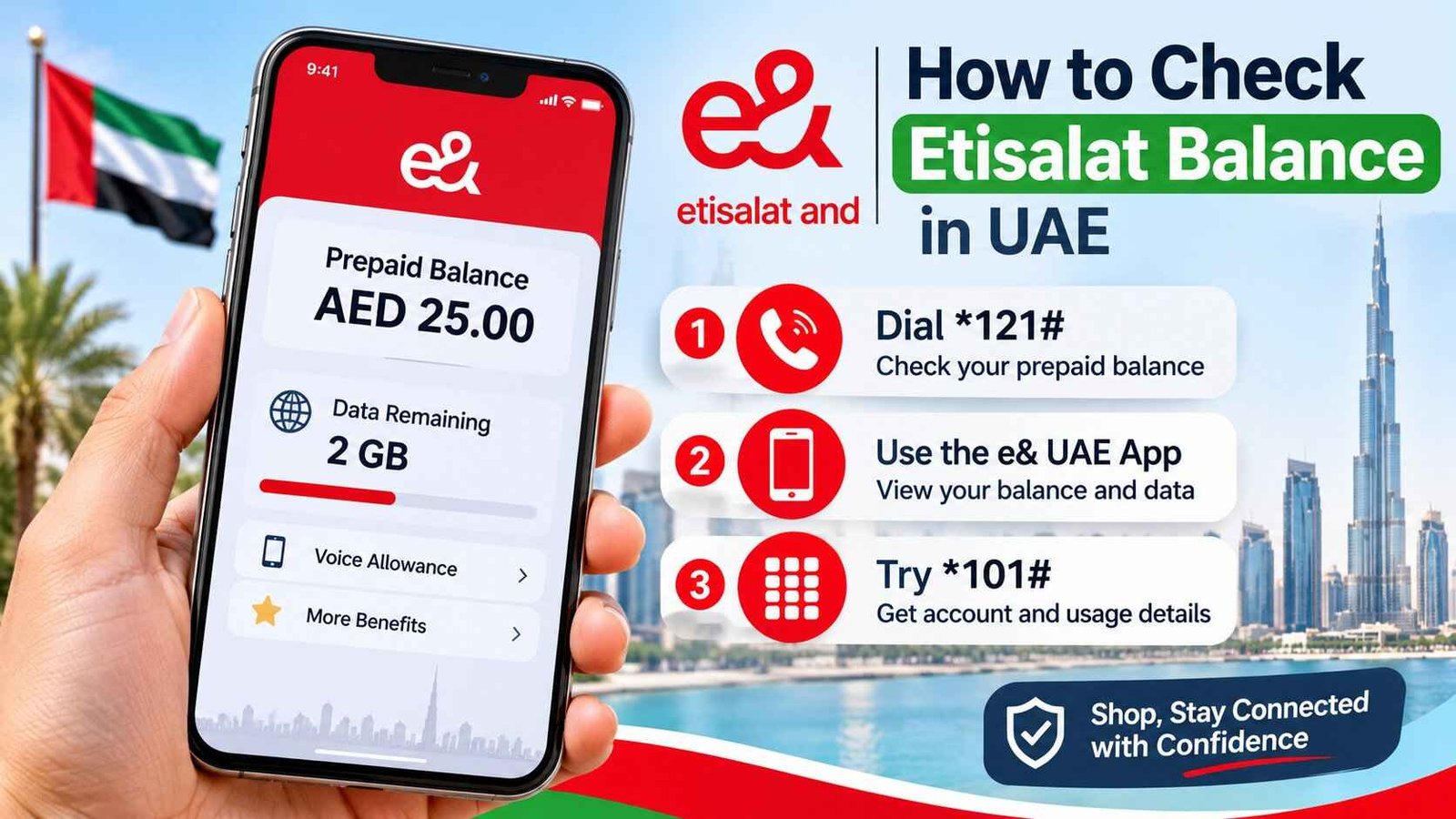
How to Check Etisalat Balance in UAE: Codes & App
If you use an Etisalat mobile connection in the UAE, now known as e&, it is useful to know how much credit, data or allowance you have left. Checking your balance regularly can help you understand your usage and decide when you need to recharge or review your mobile plan.
The good news is that you do not always need to visit a store or contact customer service. You can check your prepaid credit using a short code, view your remaining benefits in the e& UAE app, or use the account enquiry menu for more information. The correct method depends on whether your line is prepaid or postpaid and what information you want to see.
Safety note — last checked: 4 November 2026: EmaratSmart.com is an independent information website, not an official e& service. Codes and account options can vary by plan, so confirm the latest instructions through the official e& UAE website or the e& UAE app. Never share your account password or one-time verification code with an unknown caller or message sender.
How to check Etisalat prepaid balance in UAE
If you have an e& prepaid connection, the simplest way to check your remaining credit is by using the official balance enquiry code.
Method 1: Dial *121#
Follow these steps:
- Open the phone dialler on your mobile.
- Enter
*121#. - Press the call button using your e& SIM.
- Wait for the balance enquiry response.
- Follow any on-screen instructions if they appear.
The response should provide information about your available prepaid credit.
This is useful when you want to check your balance quickly without opening the mobile app. The code is listed on e&’s official prepaid support page.
Method 2: Use the e&UAE app to check Etisalat prepaid balance
You can also check your prepaid account through the official e& UAE app.
- Open the e& UAE app on your phone.
- Sign in to your account.
- Select the correct mobile number if you manage more than one line.
- Look at the account information on the home screen.
- Review your available balance and remaining benefits.
The app can be especially helpful if you want to see more than just your credit. Depending on your plan, you may also be able to view data usage, voice allowances, active add-ons and other account details.

Method 3: Use the *101# menu
Another option is the e& account management menu.
- Open your phone dialler.
- Dial
*101#. - Press call.
- Read the menu displayed on your phone.
- Choose the relevant credit, allowance or account enquiry option.
The menu provides several account services for prepaid customers. Follow the wording displayed on your screen because the available options can depend on your account.
How to check Etisalat data balance in UAE
Your prepaid credit and remaining internet data are two different things. Having credit in your account does not necessarily mean that you have the same amount of mobile data available.
If you want to know how much internet data remains, use one of the following methods.
Check data balance through the e& UAE app
For many customers, the app is the easiest place to review data usage.
- Open the e& UAE app.
- Sign in to your account.
- Select your mobile number.
- Look for the usage or benefits section.
- Check the remaining data allowance shown for your plan.
The app can also help you understand your voice and other available benefits. The exact layout may change as e& updates its services.
Use the data enquiry code where supported
Some e& prepaid data-plan instructions list *170*1# as a data-usage enquiry option.
Dialling codes can differ between services and plans, so check the instructions for your particular package before relying on this option. If it does not work, use the app or visit the official e& support page.
Check data usage through your account online
You can also sign in through the official e& website and review your account information. Look for the mobile account or usage section and select the correct number.
This can be convenient if you are already using a computer and do not want to install or open the app.
How to check Etisalat postpaid balance and usage
Postpaid customers should understand that their account works differently from a prepaid connection.
With prepaid, you usually add credit before using services. With postpaid, you use the benefits included in your plan and receive a bill according to the plan’s billing arrangements.
For that reason, checking a postpaid account may involve reviewing your current bill amount, remaining data, minutes and other allowances rather than simply checking prepaid credit.
Method 1: Dial *101#
The *101# menu provides account management and enquiry options for postpaid customers.
To use it:
- Open the phone dialler.
- Dial
*101#. - Press the call button.
- Review the available account options.
- Select the relevant billing, usage or allowance enquiry.
The menu may show information such as your current amount, allowances, add-ons and other account details.
Method 2: Check through the e& UAE app
The app is another convenient way to manage a postpaid line.
- Open the e& UAE app.
- Sign in to your account.
- Select your postpaid mobile number.
- Open the usage or billing section.
- Review your remaining benefits and bill information.
You can use the app to monitor data and call usage, view bills and manage available account services.
Method 3: Sign in to the e& website
If you prefer using a browser, visit the official e& website and sign in to your account. Open the relevant mobile account to review the available billing and usage information.
Make sure you select the correct number if you manage multiple connections.
Etisalat balance check codes at a glance
Here is a quick reference to the main enquiry methods discussed in this guide.
| What you want to check | Code or method |
|---|---|
| Prepaid credit balance | *121# |
| Account and allowance enquiries | *101# |
| Data usage on supported prepaid data plans | *170*1# |
| Remaining voice and data benefits | e& UAE app |
| Postpaid billing and usage | *101# or e& UAE app |
Important: These are not interchangeable codes. Use the option that matches your plan and the information you want to check. If a code is not available for your service, use the official app or contact e& support.
What is the difference between prepaid balance and data balance?
This is a common source of confusion for mobile customers.
Your prepaid credit is the amount of money or credit available in your prepaid account. Your data balance is the internet allowance included in your package or add-on.
For example, imagine your account has AED 20 in prepaid credit and a separate data package with 2 GB remaining. The AED 20 is your credit balance, while the 2 GB is your remaining data allowance.
These figures measure different things. Using mobile internet may reduce your data allowance, while certain calls, messages or services may use prepaid credit depending on your plan.
Postpaid customers may see a different set of figures, such as remaining plan benefits, extra usage and the current bill amount.
How to recharge your Etisalat prepaid balance
If your prepaid credit is running low, you may need to recharge your account.
You can review the available recharge options through the e& UAE app or official website. Depending on the options available for your account, you may be able to recharge online or use an approved recharge voucher.
Before confirming a recharge:
- Check that you have selected the correct mobile number.
- Review the recharge amount.
- Confirm the payment details.
- Keep the confirmation message or transaction reference.
Use official e& channels for recharging. Avoid sending money or sharing payment details with someone who contacts you unexpectedly and claims they can add credit to your number.
Why is my Etisalat balance not showing?
Sometimes a balance enquiry may not display the information you expect. This does not automatically mean there is a problem with your SIM.
Here are a few things to check.
The code does not work
Make sure you entered the code correctly and used the e& SIM associated with the account. If the code still does not work, check the latest instructions for your plan.
You selected the wrong SIM
If your phone has two SIM cards, make sure you are making the enquiry from your e& number rather than another mobile connection.
You are checking the wrong type of balance
Remember that prepaid credit, data allowance and postpaid usage are different. If you want to check remaining internet data, use the app or the data enquiry option supported by your package.
Your app is not showing updated information
Check your internet connection and make sure you are signed in to the correct account. You can close and reopen the app and try again.
If the information still looks incorrect, contact e& through its official support channels.
Your plan has different enquiry options
Some mobile plans have their own usage and billing instructions. A code listed for one package may not provide the same information for another.
Check the support page for your specific plan before trying additional codes.
How to contact Etisalat customer support in UAE
If you cannot check your balance or believe your account information is incorrect, use the official e& support channels.
You can start with:
- The e& UAE app.
- The official e& website.
- The account enquiry menu at
*101#. - The customer support options listed on the official website.
When contacting support, keep your mobile number and relevant account information available. Do not share your password or one-time verification code with an unknown person.
For the latest account assistance, visit e& UAE official website.
Frequently asked questions about Etisalat balance check
What is the code to check Etisalat prepaid balance in UAE?
Dial *121# from your e& prepaid mobile number. This is the prepaid balance enquiry code listed on e&’s official website.
How can I check my Etisalat balance online?
Sign in to the e& UAE app or the official e& website. Select your mobile number and review the balance or account information available.
How can I check my Etisalat data balance?
Open the e& UAE app and review your remaining data benefits. Some prepaid data plans also list *170*1# as a data-usage enquiry option.
How can I check my Etisalat postpaid usage?
Postpaid customers can use the e& UAE app or dial *101# to access account, billing and allowance enquiry options.
Is *121# used for data balance?
The official prepaid code page lists *121# for checking credit balance. For remaining data, use the app or the data enquiry method supported by your plan.
Can I check my Etisalat balance without the app?
Yes. Prepaid customers can dial *121# to check their credit balance. The *101# menu also provides account enquiry options.
Why is my Etisalat data balance different from my prepaid credit?
Prepaid credit is the amount available in your account, while data balance is the internet allowance included in your plan or add-on. They are separate balances.
Can I check my Etisalat balance from another phone?
You can sign in to your e& account on a supported device to review account information. Keep your login details private and use the official app or website.
What should I do if my Etisalat balance is incorrect?
Check the correct mobile number and balance type first. If the displayed information still seems wrong, contact e& through its official app or website.
Final thoughts
Checking your Etisalat balance in the UAE is straightforward once you know which option to use. For prepaid credit, start with *121#. For account and allowance enquiries, try *101#, and use the e& UAE app when you want to review your remaining data, voice benefits or postpaid usage.
Because mobile plans and account services can change, always confirm the latest instructions with e& before relying on a code. A quick balance check can help you understand your usage and manage your mobile account more confidently.